Book a demo
Fifteen minutes. Your products. No slide deck.
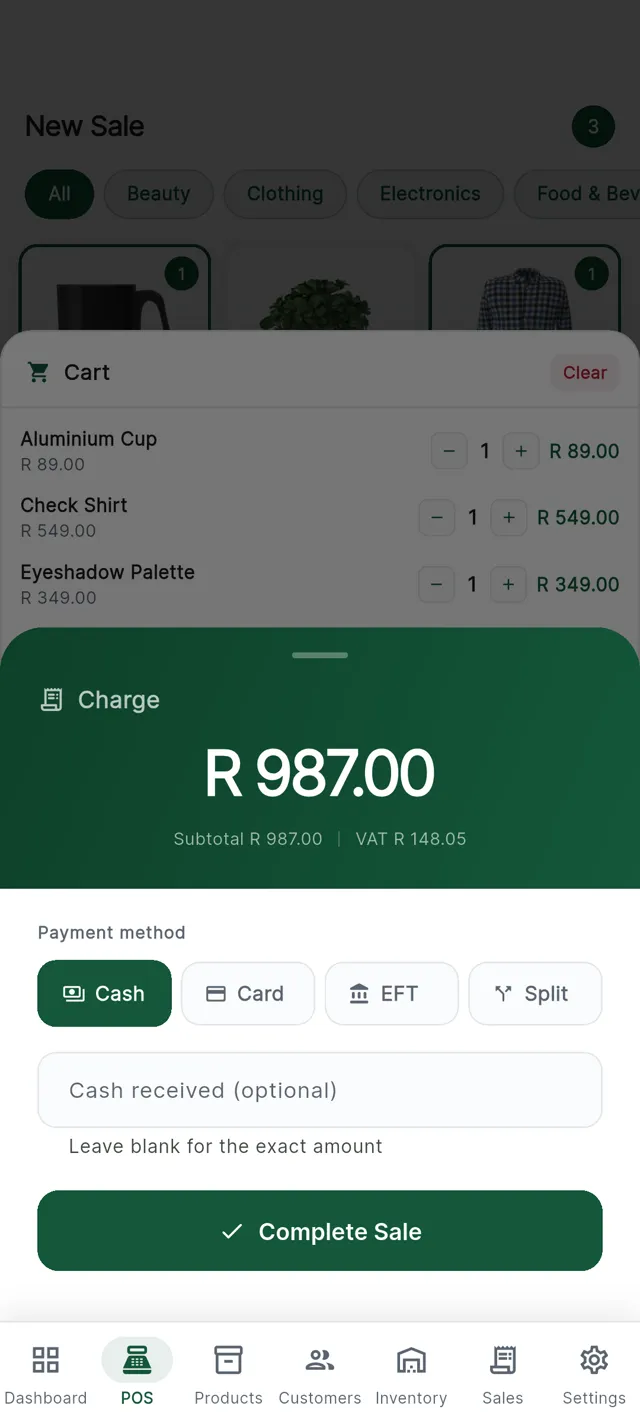
We put your own product list into a demo shop, ring up a sale in front of you, take a card payment, attach a member and show you the day-end. Then you ask the awkward questions.
- A reply the same working day, in business hours
- A quote for your branches and tills, setup included
- Hardware if you need it, or use the tablets you own
Tell us about your shop
Send this and we will take it from there.
Only your name and email are needed. Everything else just makes the first call more useful, so we arrive already knowing what you run.
What to have ready
None of it is compulsory, but it makes the call far more useful.
- Your product list in any form. A spreadsheet, a photo of a price list, a menu.
- How you take payment now, and what has gone wrong with it.
- What you have at the counter already, so we know whether you need hardware from us.
- Your licence conditions, so we can set the age and limit rules to match.
What happens next
We reply
Usually the same working day, with a couple of times for a call.
We demo
Fifteen minutes, screen shared, using products you recognise.
We quote
A clear monthly number for your branches and tills, setup included.
Already a customer?
Sign in to your console for anything running in your shop, or open the support page. Existing customers are answered ahead of new enquiries.
After you send it
Trading on CannyPos inside a week
No project plan, no integration team. We do the heavy lifting and you keep serving customers.
We set your shop up
Branches, tills, staff and your product list, loaded and checked before you touch it.
Your staff get their PINs
Each cashier signs in with a four-digit PIN. Managers get an override; owners see everything.
Start ringing up sales
Most cashiers need about ten minutes. The screen only ever asks one thing at a time.
Watch it from anywhere
Open the console on your phone and see today's takings across every branch, live.
While you are here
Have a look at what you would be buying
The till
A sale in three taps, with the card machine built in and no need for the internet.
See the tillHardware
Tablets, card machines, printers, scanners and printed membership cards. Or bring your own.
See the kitPayments
Cash, card, EFT, split and online, from someone who will not cut you off.
How payments work