Compliance
Cannabis compliance, enforced by the point of sale.
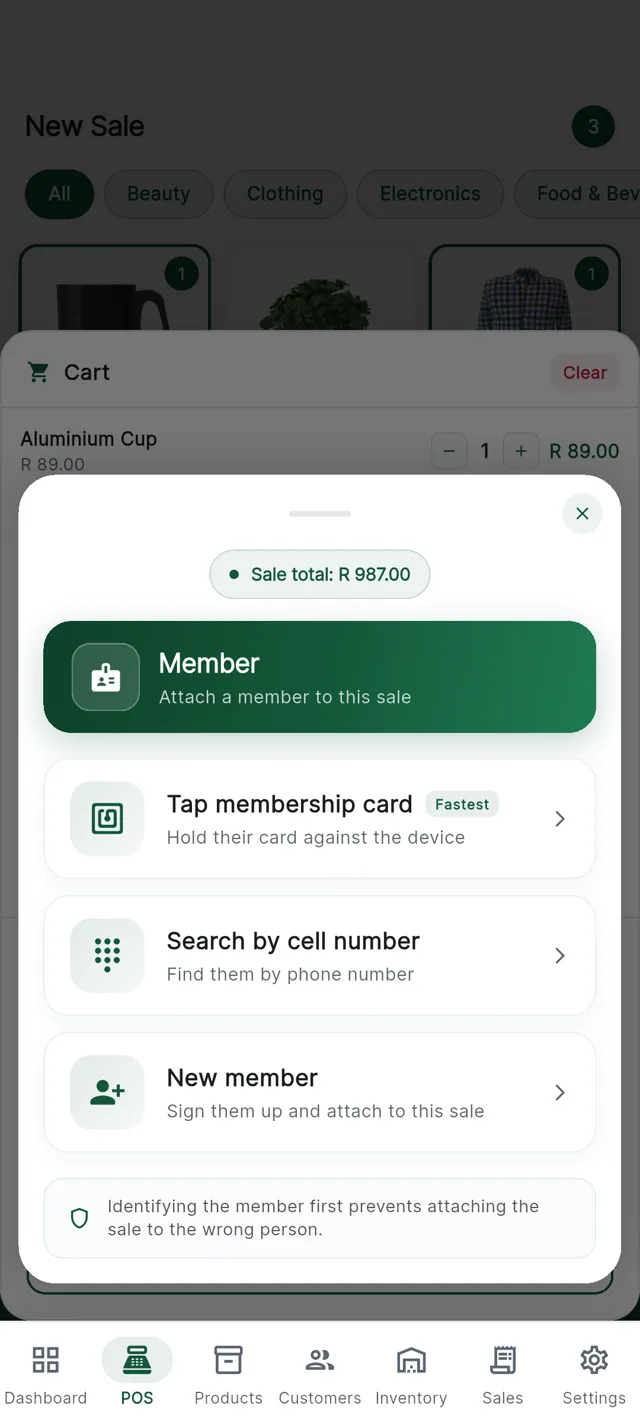
Age verification, identity capture and daily limits happen at the till, before payment is taken. Your cashier should not be the last line of defence.
- An age gate on restricted products
- Identity numbers encrypted, never readable from a browser
- A daily limit per customer, counted by the till
- Every void kept with who, when and why
Where our job ends and yours begins
CannyPos gives a licensed retailer the tools to enforce the rules they trade under, and the records to show it was done. It does not interpret the law for you, and nothing here is legal advice.
The minimum age, the daily limit and which products count as restricted are decisions under your own licence conditions, so check your settings against those conditions and against your own legal advice. What we promise is narrower: once a rule is configured, the till applies it on every shift.
Age verification
The age check happens before the money moves.
You set one minimum age for your business. Any product you mark as restricted triggers the check at the till, on the sale itself.
The order matters: the till asks before the payment screen appears, so there is never a card already tapped. Card payments only begin once the check has passed.
Try an age check
Minimum age 18A restricted product is added
The cashier taps it like anything else. The till knows from the product record that it is age-restricted.
The till asks
Date of birth or an identity document, entered on the device with the customer in front of you.
Under your minimum age, no sale
It stops there. The payment screen is never offered, so no money changes hands.
Over it, carry on
The basket goes through to payment as normal. The check adds seconds, not minutes.
Identity records
ID numbers you can keep, but nobody can read.
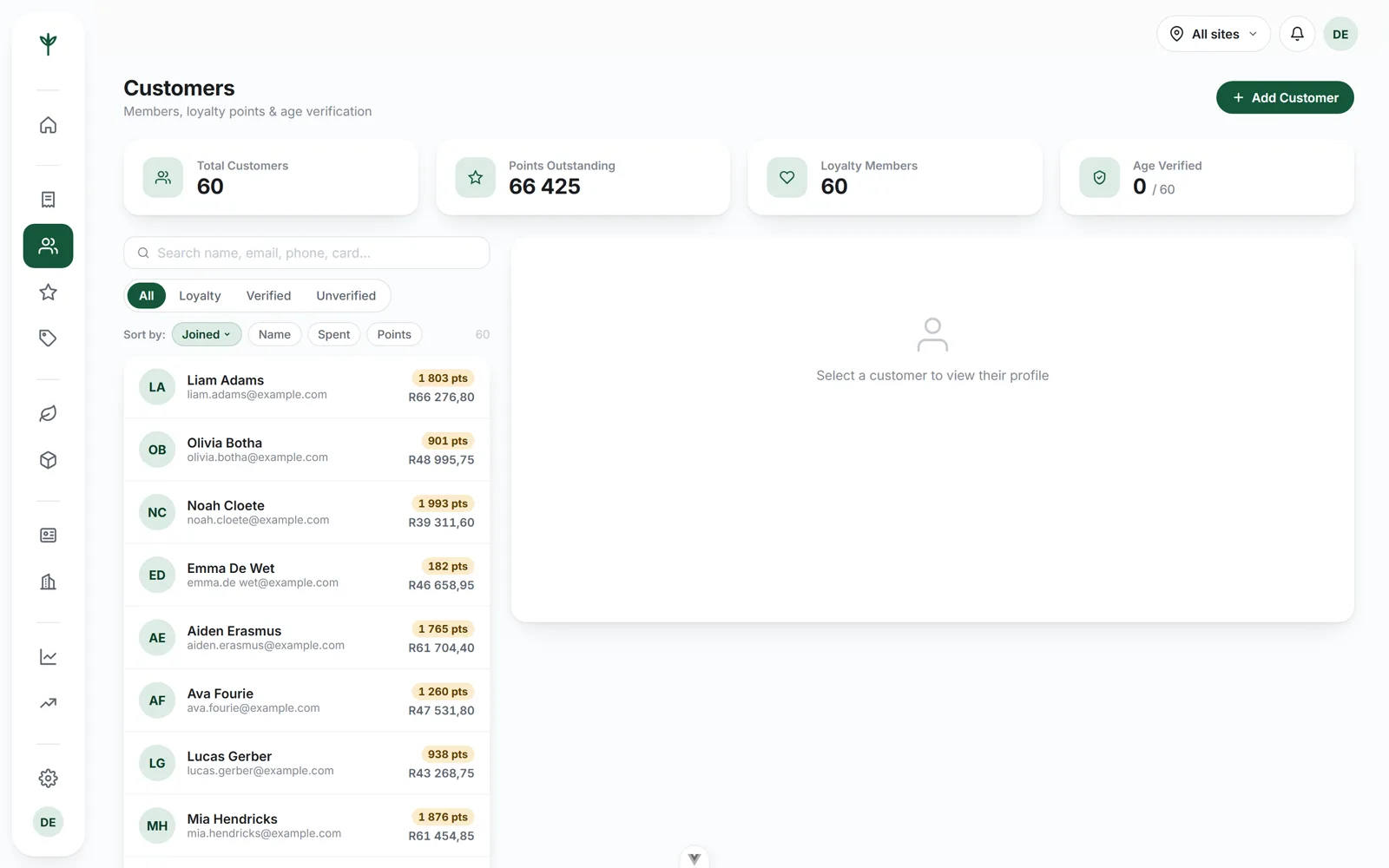
When an identity number is captured it is encrypted in the database. It is not readable from a browser, including your own console. The record exists to show the check was done, not for anyone to browse.
- Encrypted at rest. Not sitting in plain text on a table anyone with a login can open.
- Never sent to the browser. A laptop left open cannot leak a number it was never given.
- Captured once. Taken at the till and held against that customer, not asked for on every visit.
Daily limits
A maximum per customer, per day, counted by the till.
Set the limit once. The till counts what a customer has already taken that day and stops the sale when the limit is reached.
- The till does the counting. Not the cashier, and not a notebook next to the drawer.
- Attached to the customer. The count follows the customer record, so a second visit later that day still counts.
- Enforced, not suggested. The sale is blocked, not flagged with a warning a busy queue will talk somebody past.
- Set once, applied everywhere. The limit lives in your business settings, so every till uses it.
At the counter
Nobody has to be the bad guy.
The hardest part of any rule is the person who has to say no. A cashier turning away a regular is a confrontation. A till that will not take the money is just a till.
Because the block happens on the device, in front of the customer, it stops being a judgement call by a member of staff. On a busy Saturday that is worth more than any policy on the wall.
It also means the rule lands the same way on every shift, whether or not you are in the shop. See the rest of how the till works at the counter.
What the cashier sees
A plain message on the till saying the sale cannot go through, and why: under the minimum age, or the daily limit reached. No code, no error number.
The payment screen is never offered, so there is no card to reverse and no cash to hand back. The line comes out of the cart.
The paper trail
Enforcing a rule is half of it
Being able to show that it was enforced is the other half.
Every void audited
Who voided it, when, and the reason they gave, kept against the sale for good.
Per-branch records
Sales, customers, staff and voids are held per branch, while the owner sees every store from one place.
Exports when you need them
Sales, stock, staff and day-end reports export to Excel or PDF, the form an accountant or an inspection wants.
If we build you an online store, which products go online and how the checks are handled is part of what we scope with you.
Questions
Compliance questions we get asked
Does CannyPos check a customer's age?
Yes. You set a minimum age for your business, and any product you mark as restricted prompts for date of birth or an identity document before payment is taken. If the customer is under your minimum age, the till does not let the sale through.
Where are identity numbers stored?
Identity numbers are encrypted in the database and are never readable from a browser, including from your own console. They are captured once at the till and kept against the customer record for your own purposes.
Can I limit how much one customer buys in a day?
Yes. Set a maximum quantity per customer per day and the till counts what that customer has already taken, then stops the sale when the limit is reached. The count belongs to the customer record, so a second visit later the same day still counts.
What is recorded when a sale is voided?
Who voided it, when, and the reason they gave. The record is kept per branch alongside the sale it belongs to, so a day-end or a query later has the full story rather than a gap in the till roll.
Does this make my shop legally compliant?
No software can promise that. CannyPos enforces the rules you configure and keeps the records that go with them, but your licence conditions remain yours. We do not give legal advice, and your settings should be checked against the conditions you trade under.
Bring us your licence conditions.
Fifteen minutes on a call, and we will show you what the till does when a rule is broken.